

Email Dictation For Salespeople: Write Follow-Ups Faster With Voice
A practical guide for salespeople using voice-to-email workflows to draft clearer, faster professional emails with Sendd.
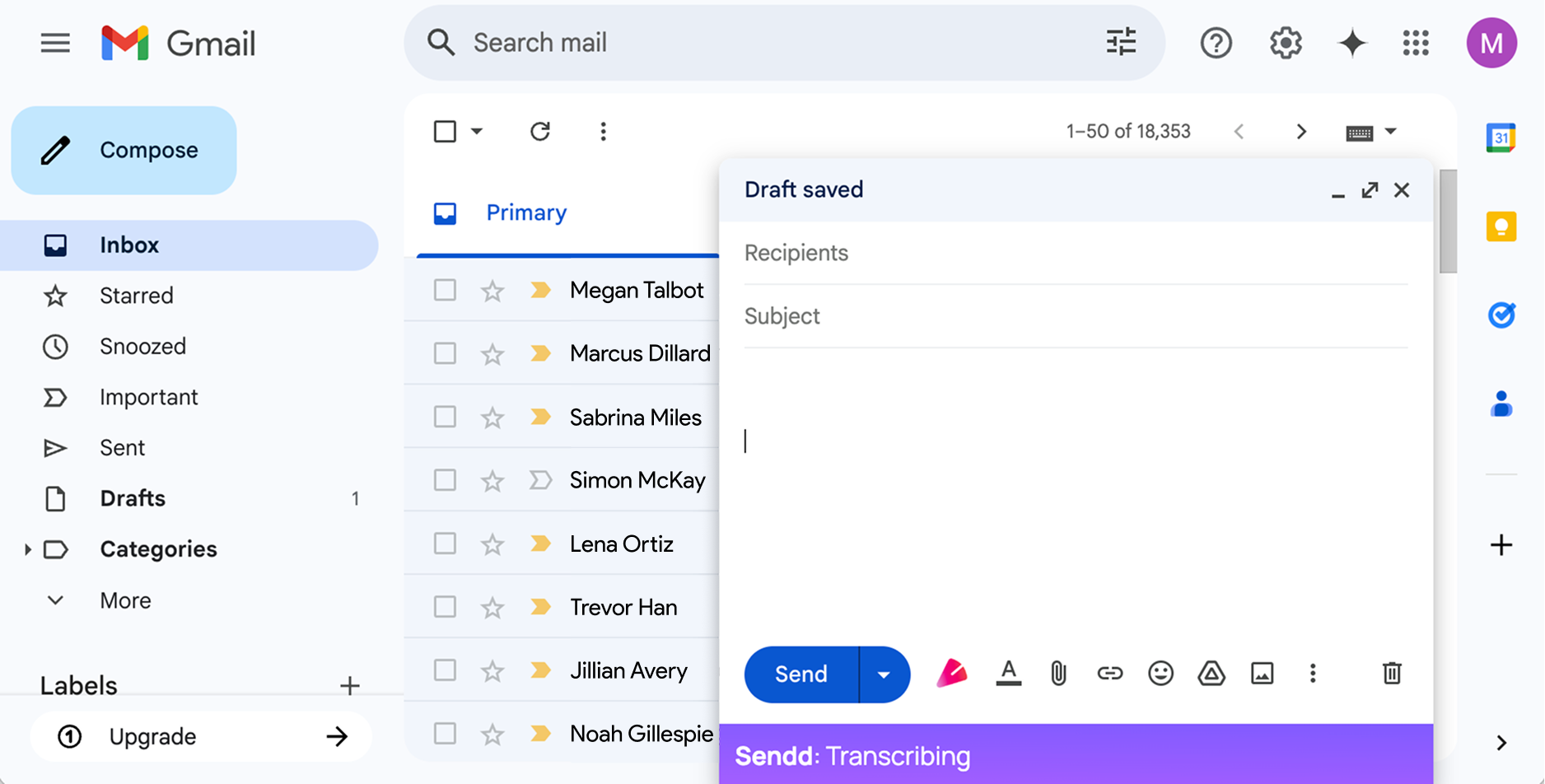
Salespeople often know exactly what needs to be sent after a call. The hard part is turning that memory into a clear, useful follow-up while the next task is already waiting.
Sendd helps by letting you speak the email directly inside Gmail or Outlook. Click the  button, and the live transcription appears directly in the email body. You can include the actual message and spoken cleanup instructions such as what to remove, what to make shorter, or which points should become bullets.
The email problem for salespeople
Follow-up emails need to be fast, but they also need to be accurate. A rushed message can miss the next step, sound too casual, or bury the important detail.
Typing from scratch forces you to compose, structure, edit, and polish at the same time. Dictation lets you capture the full thought first. When you click the button again, Sendd cleans up that just-recorded transcript into email body text you can review and send.
Where Sendd fits
Sendd works inside Gmail and Outlook through Chrome. You dictate naturally in the compose or reply window, watch the transcription appear in the email body, and click again to polish that transcription in place.
This is useful for:
- Follow-ups after discovery calls.
- Recaps with next steps.
- Polite reminders.
- Proposal handoffs.
- Account updates.
- Longer emails that are easier to explain out loud than type.
For very short emails, Sendd may leave the text close to the original wording. The extension is more useful when the message has enough detail to benefit from structure and polish.
Example workflow
Open your email composer or reply, and click the button. You can mix recipient-facing content with spoken cleanup instructions for Sendd during that recording.
For example:
Hey Jamie, thanks for taking the time today. I enjoyed learning more about the onboarding problem. Mention that the two priorities are reducing manual handoffs and getting reporting in one place. Actually, make that sentence less pushy. Say I will send the pricing overview tomorrow morning and suggest a follow-up on Friday at 10:00 AM. Do not mention the budget concern yet.
Sendd should remove the spoken cleanup instructions and turn the just-recorded transcription into polished email body text in the same location, for example:
Hi Jamie,
Thank you for taking the time to speak with me today. I enjoyed learning more about the onboarding challenges your team is working through.
From our conversation, it sounds like the two main priorities are reducing manual handoffs and bringing reporting into one place. I will send over the pricing overview tomorrow morning, and it would be great to continue the conversation on Friday at 10:00 AM if that still works for you.
Best,
The draft is not sent automatically. You still review it, adjust anything sensitive, and send it yourself.
If you click the button again later, the next recording starts fresh. It does not use earlier Sendd transcriptions or the wider email thread as context.
What to review before sending
Always review the final email before sending, especially when it includes commitments, pricing, legal language, confidential customer details, or anything that could affect a deal.
Sendd can clean up rough dictation, apply spoken corrections, and remove filler. It should not invent details you did not provide.
Why this is faster than typing from scratch
Dictation separates thinking from editing. You can say the rough version quickly, including corrections as they occur to you, then let Sendd handle the structure and cleanup.
For salespeople, that can mean fewer delayed follow-ups, fewer half-written drafts, and clearer communication after each customer conversation.